
Product tour
Every image on this page is the running product at
www.bitcoinuniverse.io, captured by a script that visits the public origin,
waits for each route to render rather than its skeleton, declines optional
storage, and connects no wallet. None of them is a mock.
The first screen states how many protocols this build serves, counted from the same registry that builds the routes, and offers four next steps. Nothing on it needs a wallet.
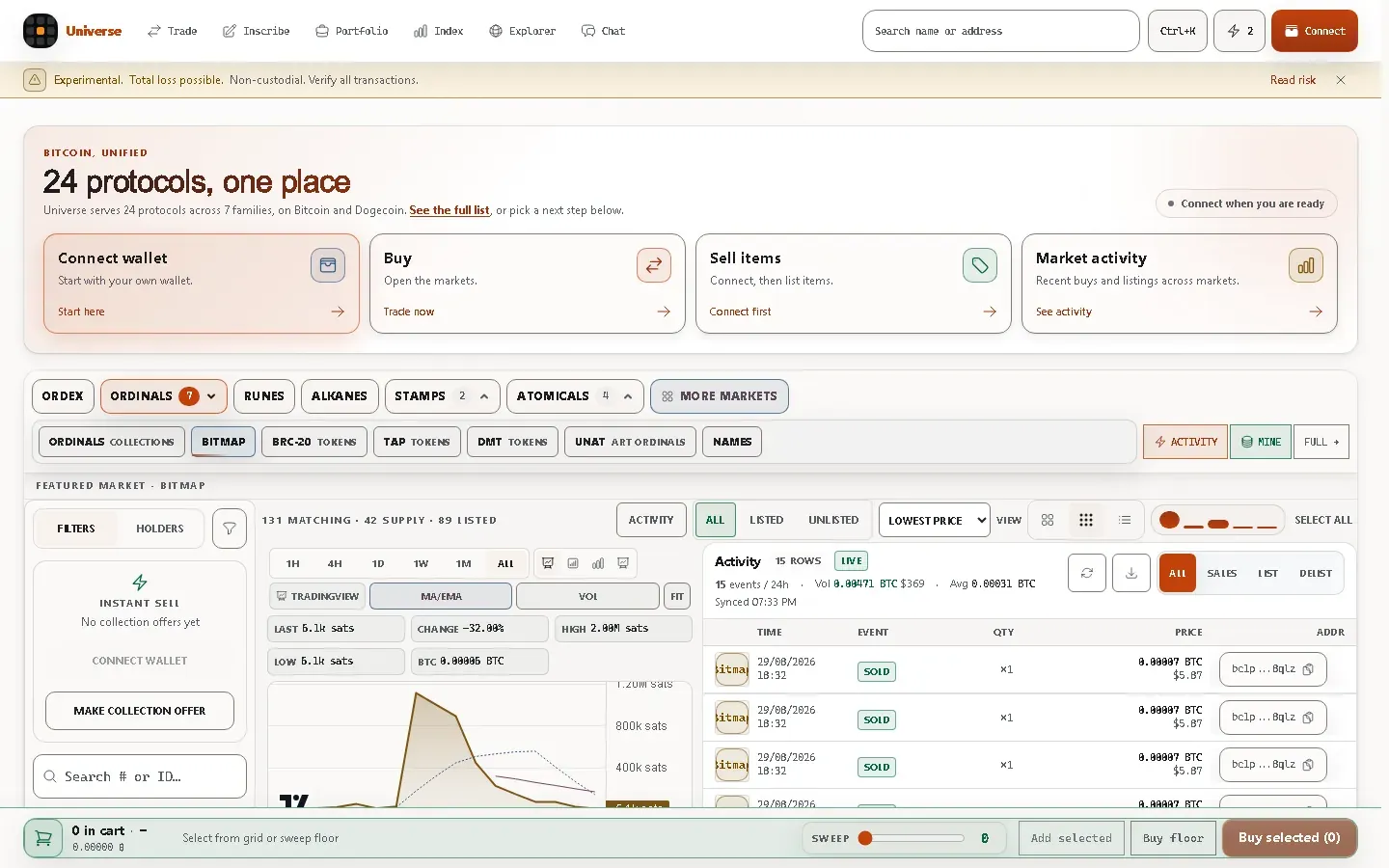
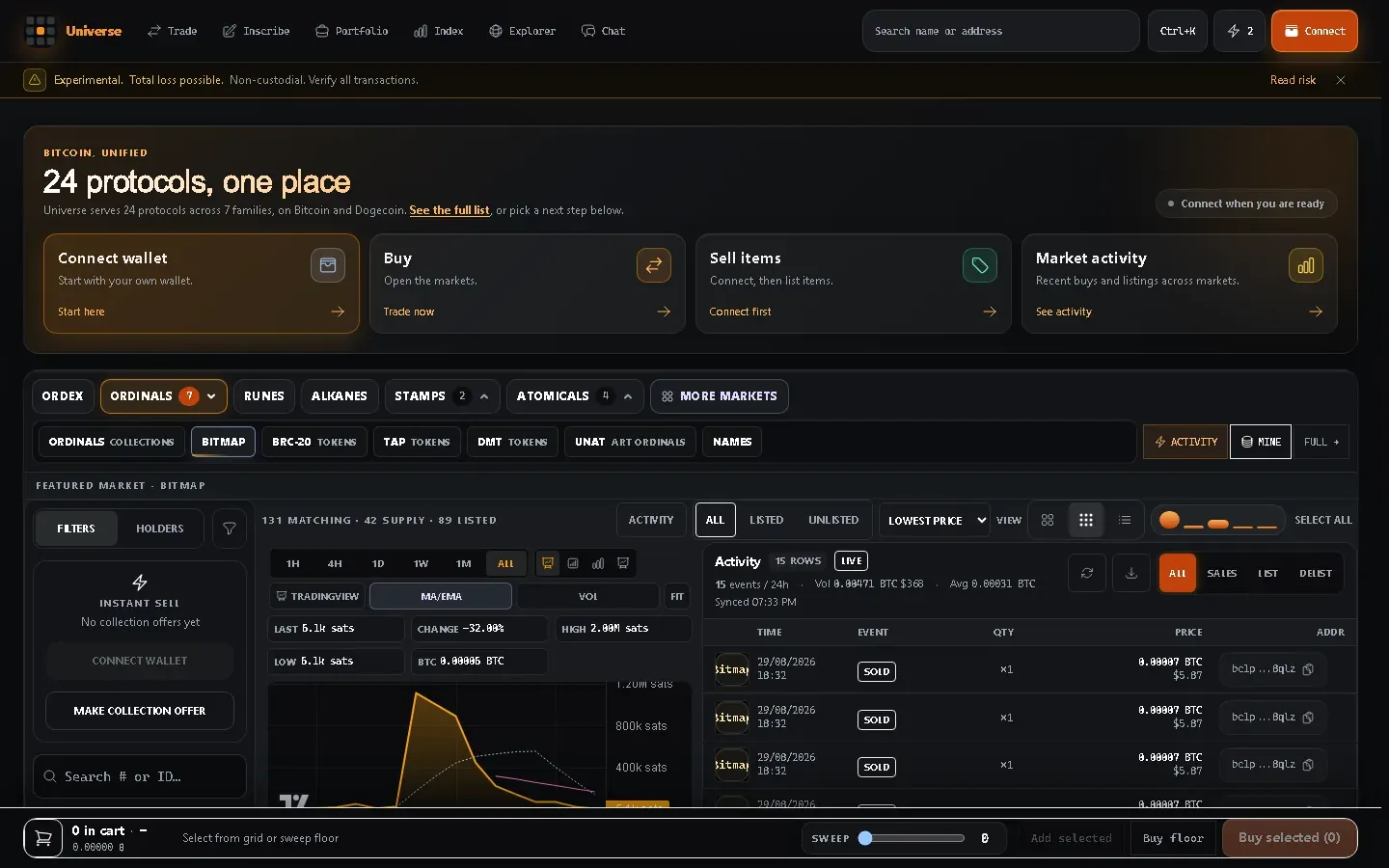
Light and dark are two complete designs rather than one theme with inverted colours.
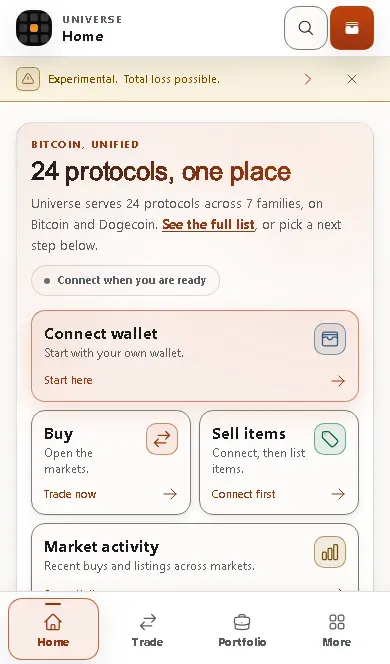
On a phone the same content stacks, and four persistent destinations sit in a bottom bar that never covers the page.
Protocol coverage
Section titled “Protocol coverage”One page lists what this build serves, grouped by family, with the index and the market for each row. The counts are computed from the same registry that builds the navigation, so the number on the page is the number of protocols the application can actually open.
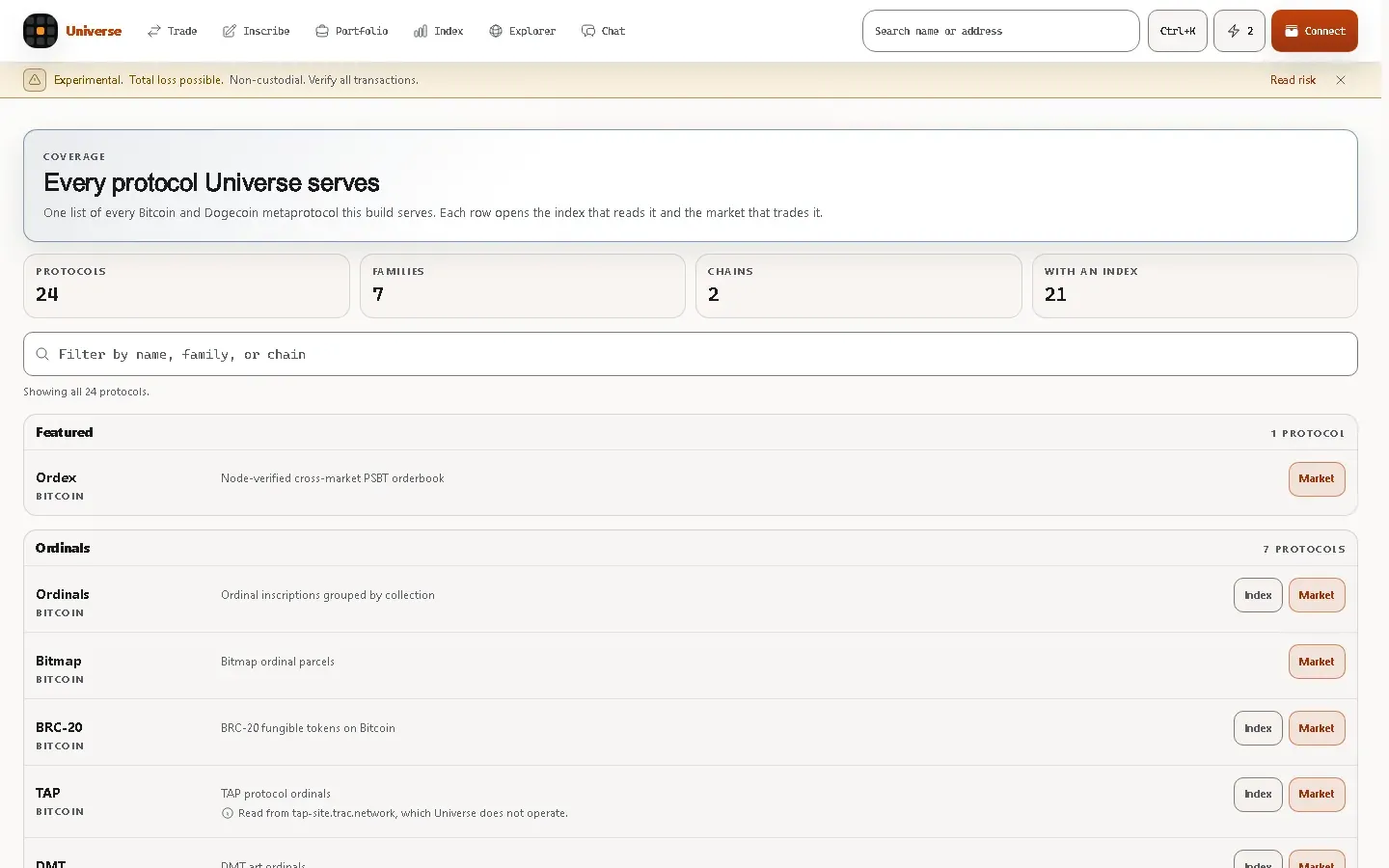
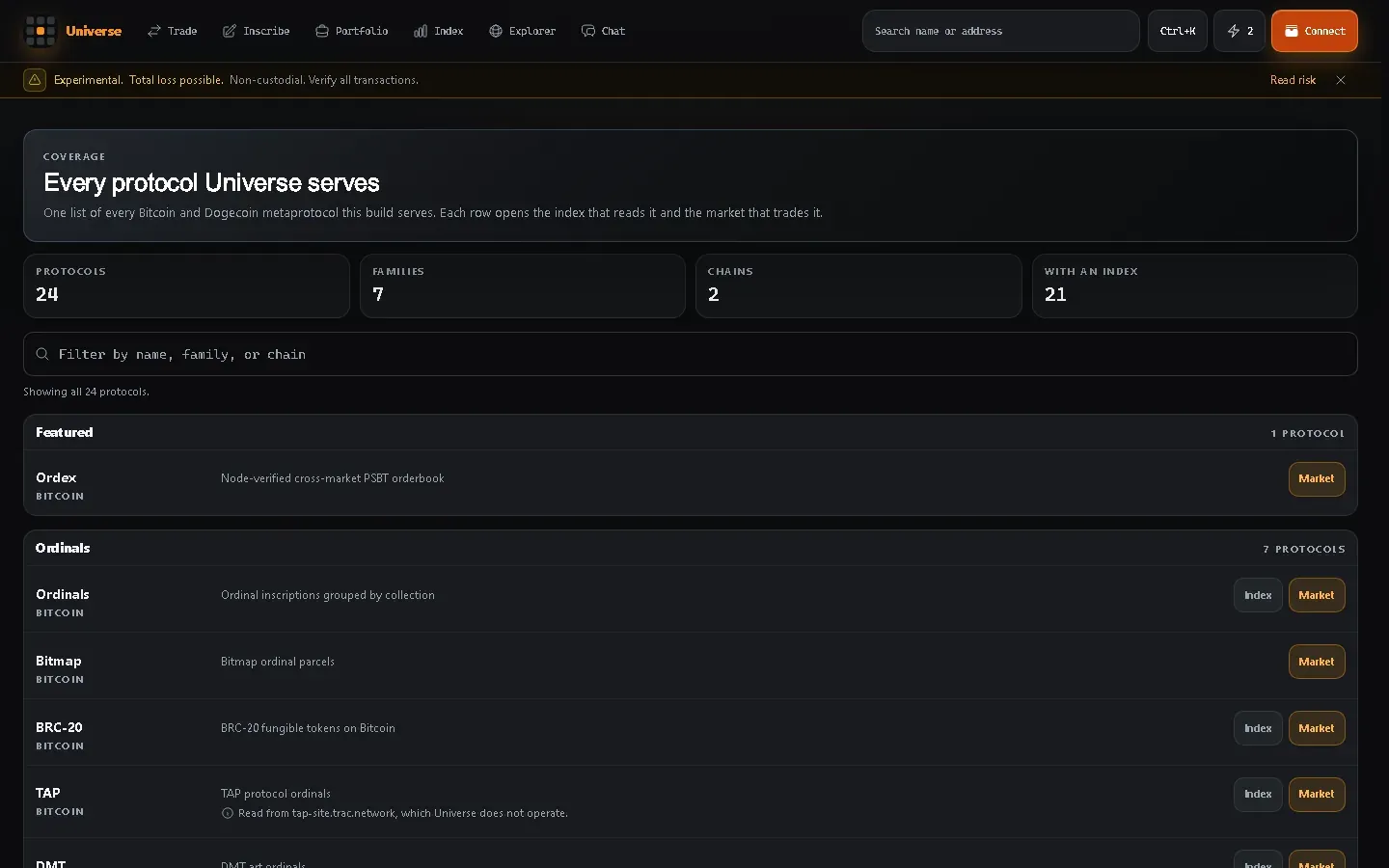
That page and the support matrix answer different questions. Coverage says what Core reads. The matrix says what Core can do.
A market
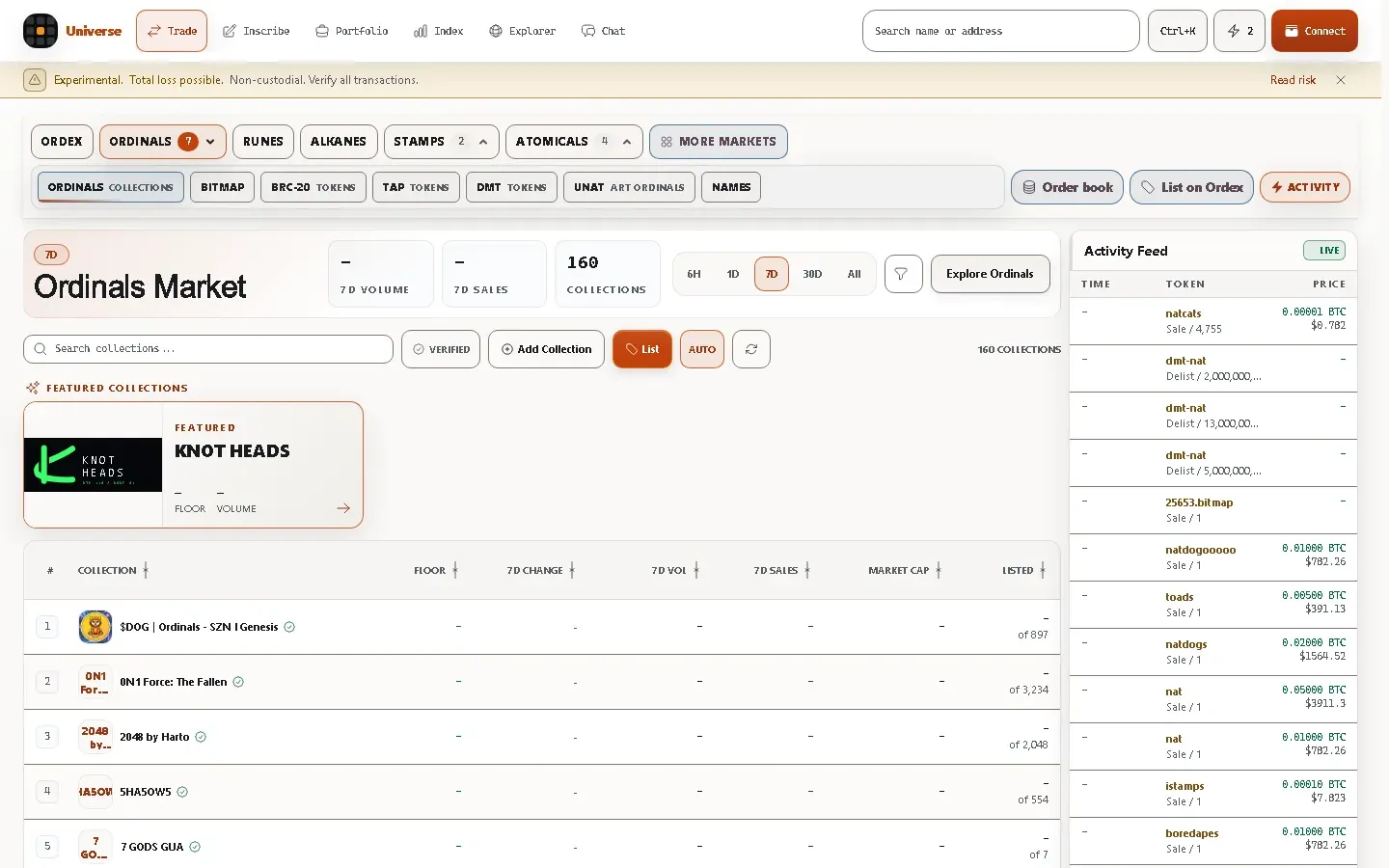
Section titled “A market”Each protocol family has a market with the same anatomy: a family picker, the period the figures cover, a searchable table, and an activity feed. A figure the reader did not return is a dash, never a zero.
A market whose reader failed
Section titled “A market whose reader failed”This is the capture worth studying. When a reader cannot be reached, the market says exactly that and offers a retry. It never presents a failed read as an empty market.
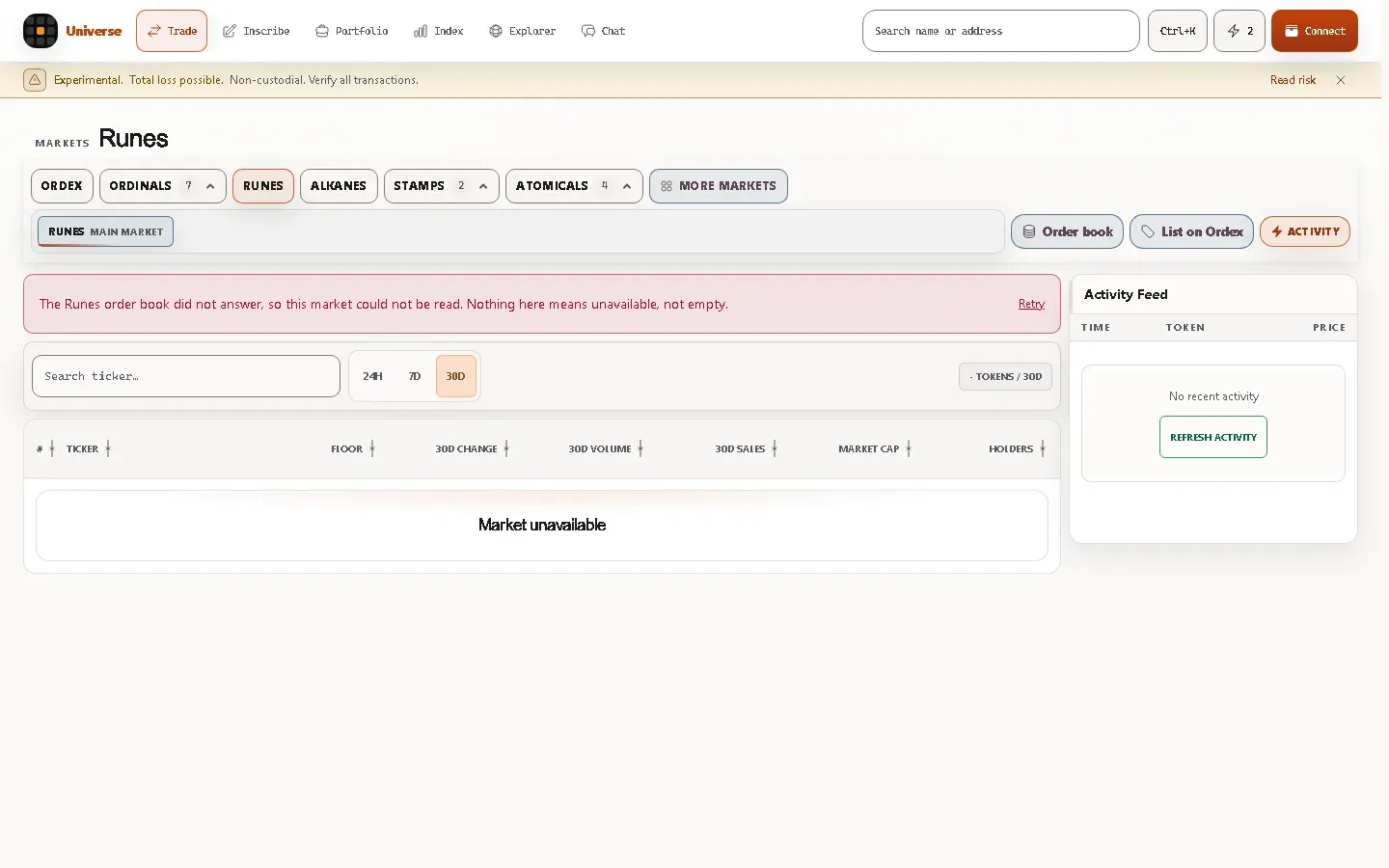
Unavailable, not empty. Compare it with a market that answered and had nothing listed: that one says “nothing listed” and offers no retry, because retrying would not change the answer.
Explore an address
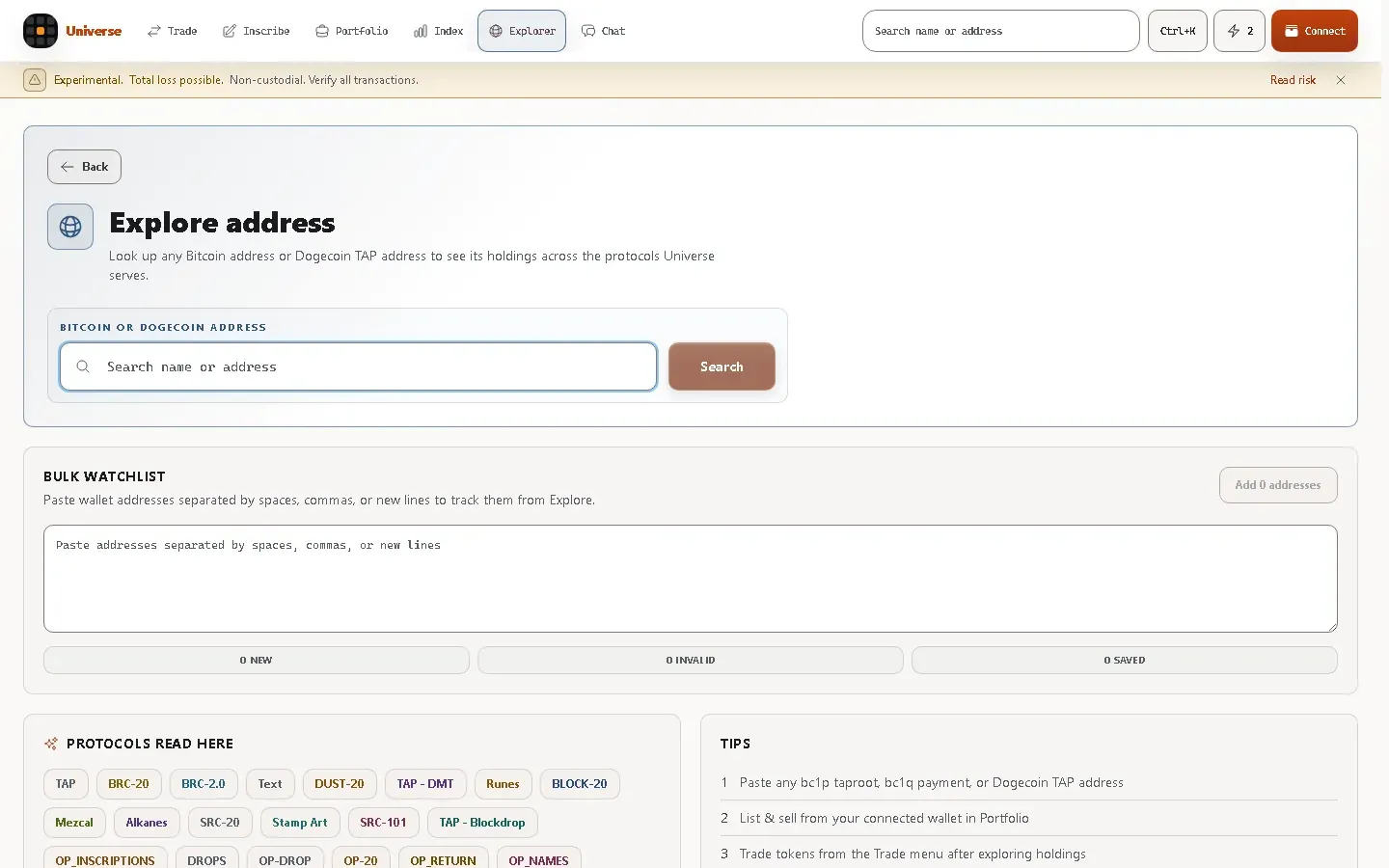
Section titled “Explore an address”Paste any Bitcoin or Dogecoin address to see its holdings across the protocols Core reads, with no wallet connected and nothing to sign.
Portfolio before connecting
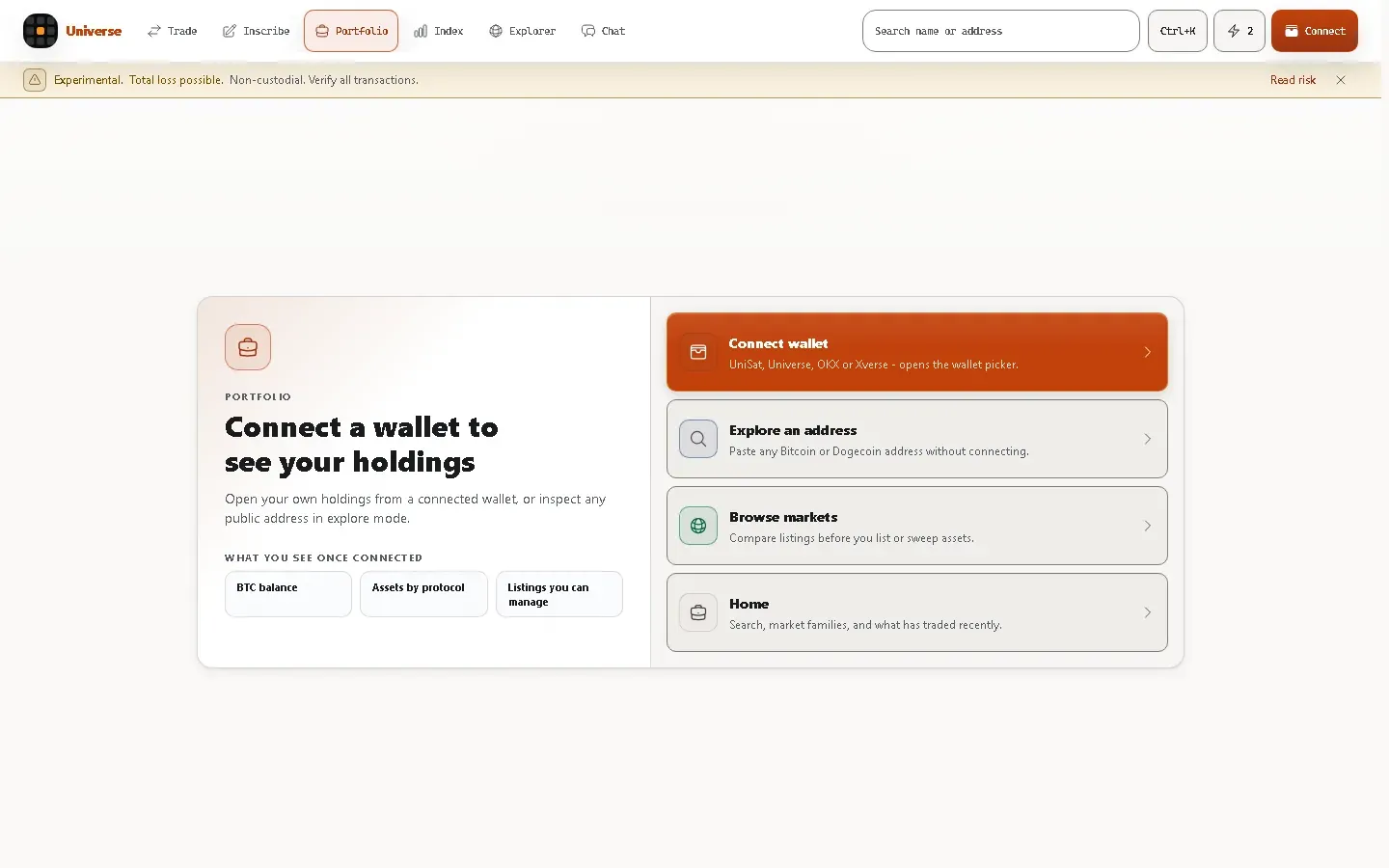
Section titled “Portfolio before connecting”Portfolio opens with what connecting gives you, and offers explore mode for anyone who would rather inspect a public address than connect a wallet.
What is not pictured here
Section titled “What is not pictured here”Screens that need a connected wallet are described in words rather than shown, because a real capture of them would contain someone’s holdings and a mock would be an invention. The Portfolio and market task pages describe those interfaces precisely instead.